How to Verify Your Age on Roblox in 2026
By Fridge · Published · Last updated:
Want to know how to verify age on Roblox? Since January 2026, Roblox has required an official age check to use chat, and later 2026 updates also tied checks to Roblox Kids and Roblox Select accounts and Team Create. This Roblox age verification guide covers both official methods — a selfie Facial Age Estimation or a government ID if you're 13 or older — plus the current age groups and how to fix a wrong result. Last checked .
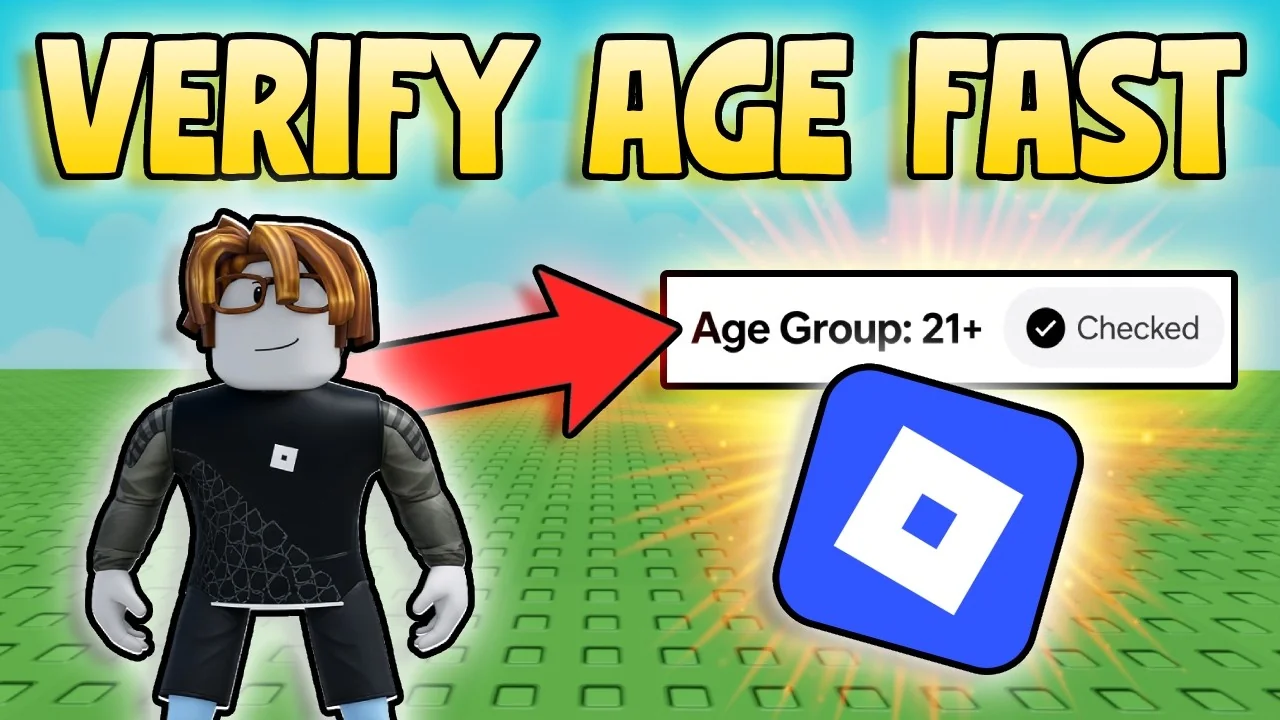
Watch: How to Verify Your Age on Roblox
Fridge's video, How to Verify Your Age on Roblox (Fast Full Guide), is a 64-second walkthrough of how to verify age on Roblox on PC and mobile. It was uploaded on November 12, 2026. YouTube has not published chapter markers, so the written steps below follow the official Roblox Support flow the video covers: the selfie check, ID verification for users 13 and older, the age groups, what unlocks after a check, and what to do if the estimate is wrong or the check fails.
Why Roblox Checks Your Age
Roblox announced on January 7, 2026 that users in the U.S. must complete an age check to chat, with the rule rolling out worldwide wherever chat is available. Roblox describes this as requiring facial age checks for chat for users of all ages, so conversations can stay closer to a player's own age group.
On June 16, 2026, Roblox made Roblox Kids and Roblox Select accounts available worldwide. Those types use a completed age check to set default chat and content access. Users who have not completed a check still cannot chat, even if they entered a birthday at sign-up. Defaults can vary by region.
What Needs an Age Check on Roblox
Per Roblox Support, you need an age check to:
- Use chat.
- Chat without filters with Trusted Friends.
- Collaborate in Roblox Studio Team Create.
- Access 16+ and 18+ content, and games rated "Content May Vary" (16+).
- Play games outside the Roblox Kids and Roblox Select catalogs.
- Invite early testers for a game, or be an early tester.
More features may require a check later. Without a check, Roblox uses the birthday you entered when you signed up: users under 9 go to Roblox Kids and users 9 and older go to Roblox Select, both with chat off. Voice chat is separate: Roblox documents it for age-checked users who are 13 or older, in experiences that support it.
How to Do the Roblox Selfie Age Check
Facial Age Estimation is the fastest official method. You need a device with a working camera. Official steps:
- Log in to the account you want to check.
- Open Settings. Desktop: the gear icon at the top right. Mobile: More (…) at the bottom right, then Settings.
- Select Account info.
- Under Age Group, select Continue with selfie and allow camera access.
- Follow the prompts to center your face and complete the turns the app asks for.
Roblox partners with a vendor called Persona for this check. Roblox says it analyzes a short selfie-style video of your face, that it does not receive or store biometric data from the process, and that the images and video are deleted after processing. In some regions a parent must approve the check first.
Roblox ID Verification (13+ Only)
If you're 13 or older you can verify your birthday with a government photo ID, such as a driver's license, passport or residency card. This is also the path Roblox uses when a selfie check cannot estimate your age. Official steps:
- Go to Settings > Account Info.
- Under your birthday and age group, select Continue with ID.
- Allow camera access and follow the prompts. On a computer, Roblox may let you continue on another device.
- Scan the front of your ID. If it has a barcode on the back, scan the back too.
- Take the photo Roblox asks for so it can match you to the ID, then return to your original Roblox session and wait for a pass or fail result. That can take a few minutes.
Use your own official document. Roblox Support says its team cannot manually verify IDs or remove a verification for you. An ID-verified status can only be undone once per account. Some Roblox communities also require ID verification to join.
Roblox Age Groups and What You Can Access
A completed check places you in an estimation group. Roblox Support lists 5–8, 9–12, 13–15, 16–17, 18–20 and 21+ (some pages also say "under 9" for the youngest group). Official Help describes access like this:
- Under 9 / Roblox Kids: age-appropriate games. Chat stays off unless a parent allows chat with similar age groups or Trusted Friends in Privacy & content restrictions.
- 9–12 / Roblox Select: age-rated games, plus chat with similar age groups or Trusted Friends, with parental permission where required.
- 13–15 / Roblox Select: age-rated games, chat with similar age groups or Trusted Friends, and more features.
- 16–17 / Roblox: all games except 18+ titles, including "Content May Vary," plus chat with similar age groups and Trusted Friends.
- 18+ / Roblox: full access to games and features.
Roblox's January 2026 chat announcement also said that, by default, users can chat with their own group and the groups directly above and below (for example, a 9–12 user with under-9, 9–12 and 13–15). Settings and region rules can change that. If a selfie check places you in the 5–8 or 9–12 group, Roblox removes some personal data, such as email and phone number.
How to Fix a Wrong Roblox Age
- Account age over 13: Settings > Account info > Continue with ID to verify with a government ID.
- Account age under 13: Settings > Account info, then the pencil icon next to the birthday, or a linked parent can update the birthday. Parents can change a child's birthday only once, and they cannot change it through Parental Controls if the child already verified with an ID.
- Self-reported 13+ but estimated under 13: Roblox applies a 48-hour grace period before the new group is final. You can accept the result sooner in Account info with Accept now under Birthday.
- Checked into an 18+ group by mistake: Settings > Account info, then Reset under your birthday and age group, and confirm. Roblox says an ID-verified status can only be undone once per account.
- You might be asked to check again later if Roblox spots a mismatch, including to keep Trusted Friends or certain chat features.
Linked parents can also manage a child's settings through our parental controls guide.
Helping Your Child With an Age Check
Parents should link their own account first and try a check themselves. When it's your child's turn, make sure they are in front of the camera, not you. Only start a check from the official Roblox app or roblox.com.
Is Roblox Age Verification Safe?
The official process runs inside Roblox Settings (or an in-app prompt) and, for the selfie method, through vendor Persona. Roblox says selfie images and video are deleted after processing and that it does not store biometric data from that estimate. Never start an age check from a link in chat, Discord or a random website.
Sources
- Roblox Support: Understanding Age Checks on Roblox
- Roblox Support: How does Roblox estimate my age?
- Roblox Support: ID Verification
- Roblox Support: How do I change my age?
- Roblox Newsroom: Facial age checks now required to chat (Jan 7, 2026)
- Roblox Newsroom: Roblox Kids and Roblox Select accounts now globally available (Jun 16, 2026)
- Fridge: How to Verify Your Age on Roblox (Fast Full Guide)
Roblox FAQ
How do I verify my age on Roblox?
Go to Settings, then Account info. Under Age Group, choose Continue with selfie, or choose Continue with ID if you are 13 or older and have a government photo ID.
Is a Roblox age check required?
The check is not required to keep an account, but since January 2026 you need one to use chat, and it is also required for Trusted Friends, Team Create, some catalogs and age-restricted content.
Does Roblox keep my selfie?
Roblox says images and video from Facial Age Estimation are deleted after processing, and that it does not receive or store biometric data from that process.
Can under-13s use ID verification on Roblox?
No. ID verification is only for users 13 and older. Younger users use the selfie check or a parent's help to correct a birthday.
What are the Roblox age groups?
The estimation groups are 5-8 (sometimes called under 9), 9-12, 13-15, 16-17, 18-20 and 21+. Account types are Roblox Kids, Roblox Select or standard Roblox, depending on that result.
What if Roblox estimates my age wrong?
If your account age is over 13, verify with ID. If it is under 13, use the birthday pencil or a linked parent (one parent change only). There is a 48-hour grace period if you self-reported 13+ but were estimated under 13.
Found this helpful? Subscribe to Fridge on YouTube for new Roblox videos. This guide is updated with every new upload.