How to Turn On Voice Chat on Roblox in 2026 (PC, Mobile, Console)
By Fridge · Published · Last updated:
Want to know how to turn on voice chat on Roblox? In 2026 it takes two things: you must be 13 or older and age checked, and you need to join a game that supports voice. Voice chat is not on by default, and phone verification no longer unlocks it. This guide walks through every step on PC, mobile and console, plus what to do if the voice icon never shows up. Fridge's walkthrough from November 15, 2026 is embedded below.
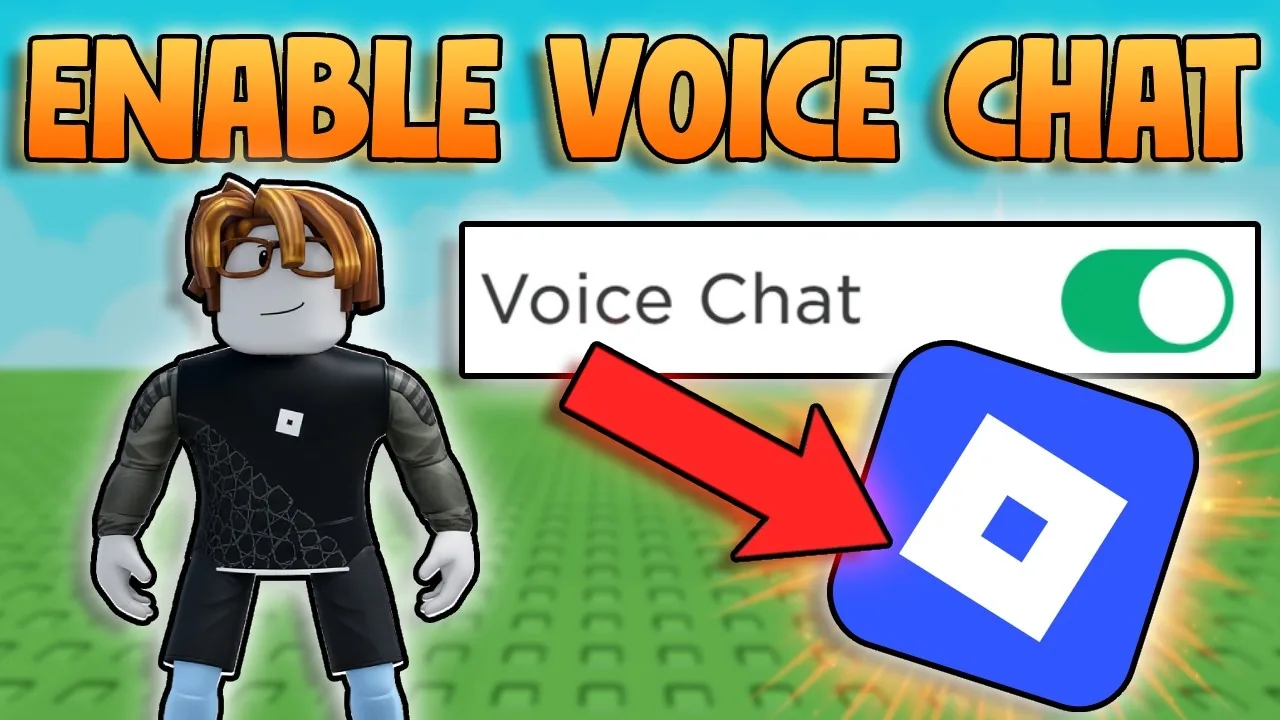
Watch: How to Enable Voice Chat in Roblox
Fridge's video, How to Enable Voice Chat in Roblox | How to Get Voice Chat in Roblox (Easy Step-by-Step Guide), is a 58-second walkthrough of how to turn on voice chat on Roblox. It was uploaded on November 15, 2026. YouTube has not published chapter markers, so the written steps below follow official Roblox Support for the topics the video covers: voice chat requirements and the age check, how to turn voice on in a game, how to use your mic, and fixes if the voice icon never shows up. Console and mobile notes are in the written sections too.
Roblox Voice Chat Requirements
| Requirement | Details |
|---|---|
| Age | 13 or older |
| Age check | ID Verification or Facial Age Estimation (phone verification doesn't count) |
| Region | Voice chat isn't available in every country |
| Game support | The experience you join must have voice enabled by its creator |
| Microphone | Any working mic, headset or built-in device mic |
Roblox Support says eligible 13+ users chat with "users of similar age groups." Parents of younger teens can manage communication settings through parental controls.
Step 1: Complete the Roblox Age Check
- Open Settings (gear icon on desktop; More → Settings on mobile).
- Go to Account Info.
- Choose the age check option and follow the prompts, using either Facial Age Estimation with your camera or ID Verification. Our guide on how to verify your age on Roblox has the current selfie and ID steps.
- Wait for the confirmation. Some verification methods aren't available on every account or in every region.
Step 2: Turn On Voice Chat in a Game
- Join an experience that supports voice. Look for a headphone or microphone icon near the top of the screen.
- Click the headphone icon to connect to voice.
- Or press Esc, open Settings in the in-game menu, and use the Voice Chat toggle.
- Mute or unmute yourself with the mic icon above your avatar or your device's mic controls.
Once enabled, voice works in every game that supports it. Not every game does, so if one game has no icon, try a different one before troubleshooting.
How to Turn On Voice Chat on Roblox PS5, PS4 and Xbox
- PlayStation: Roblox Support says you connect to voice from the in-experience settings menu. Your age check must be completed on your Roblox account first.
- Xbox: voice also needs the Roblox age check, and your Xbox account's privacy settings must allow voice communication.
- Use a headset plugged into your controller for the clearest audio.
How to Turn On Roblox Voice Chat on Mobile
The steps are the same as on PC: complete the age check under More → Settings → Account Info, then tap the headphone icon in a supported game. Make sure the Roblox app has microphone permission in your phone's settings (iOS: Settings → Roblox → Microphone; Android: App info → Permissions).
Roblox Voice Chat Not Showing? Fixes
- Confirm the age check finished. Phone verification alone won't unlock voice.
- Try another game. The creator may have voice turned off.
- Check your region. Roblox says if you don't see the voice icon after verifying, voice may not be available where you live.
- Check mic permissions for Roblox on your device and choose the right input device.
- Check for a suspension. Users who break the rules can be removed from voice chat. Our check Roblox account status guide shows where to look.
- Fix connection issues. Choppy voice is often network lag; see our fix Roblox lag guide.
Staying Safe on Roblox Voice Chat
- You can mute any player from the player list or their mic icon.
- Report and block anyone who harasses you.
- Voice follows Roblox's Community Standards, and breaking them can get voice access removed.
- Add people you actually know as Trusted Friends to unlock more chat options; see our how to add Trusted Friends on Roblox guide.
Parents can review communication settings in our Roblox parental controls guide.
Sources
Roblox FAQ
How do you turn on voice chat on Roblox?
Complete the age check (Facial Age Estimation or ID Verification) in Settings > Account Info, then join a game that supports voice and click the headphone icon or use the Voice Chat toggle in the in-game settings.
Can you get Roblox voice chat without ID?
Yes. Facial Age Estimation is an alternative to ID verification. Phone verification no longer unlocks voice chat.
Why can't I see voice chat on Roblox?
You may not have completed the age check, the game may not support voice, voice may not be available in your region, or your mic permissions may be off.
Can under-13s use Roblox voice chat?
No. Roblox voice chat is for age-checked users 13 and older.
Found this helpful? Subscribe to Fridge on YouTube for new Roblox videos. This guide is updated with every new upload.